
Realays DevLog: The Beginning
The story of the concerns and tech stack selection process experienced while starting the development of the Realays Hub site.

Realays DevLog: The Beginning
I would like to record the processes and technical decisions I went through while developing the Realays Hub site. In this first post, I’ll cover the project background and the reasons for selecting our tech stack.
1. Project Background
Realays was started to integrate various web services under one brand and provide users with a consistent experience. Initially, each service existed individually, but the need for a hub site to encompass them all emerged. We needed a space that could convey Realays’ brand value and vision, not just a page aggregating links.
2. Tech Stack Selection
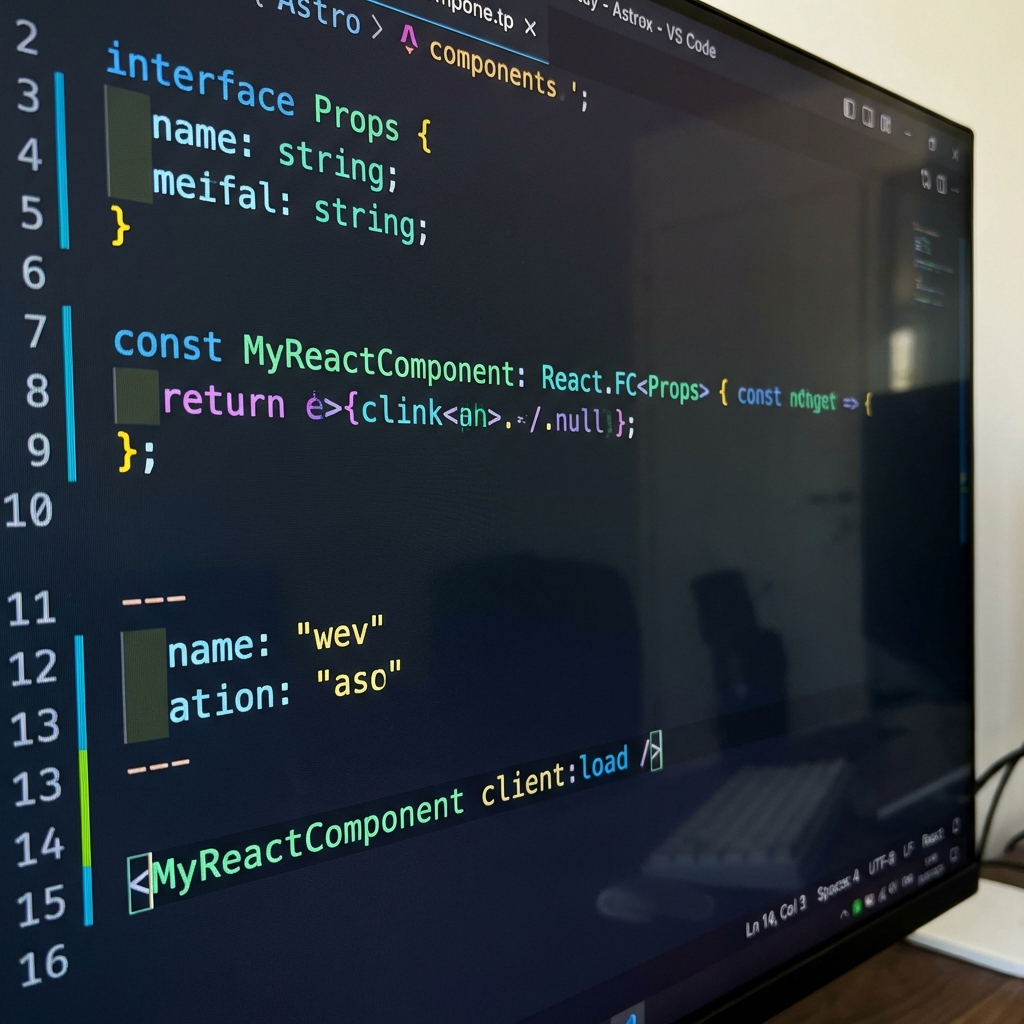 Modern web technology stack selected for Realays Hub site development
We selected the following Modern Web Stack considering fast and efficient development and maintainability.
Frontend Framework: Astro + React
The biggest characteristic of this project is adopting Astro as the main framework.
- Why Astro?: The Hub site is a content-focused website. We judged that Astro’s ‘Island Architecture’, which minimizes JavaScript to load initially, is advantageous for performance optimization.
- Why React?: We used React, which has a rich ecosystem we’re familiar with, for components requiring dynamic interaction (e.g., language selector, mobile navigation).
Language: TypeScript
Type safety becomes more important as project scale grows. We introduced TypeScript to prevent runtime errors in advance and improved code readability and development productivity.
Styling: Tailwind CSS
We used Tailwind CSS for rapid prototyping and building a consistent design system. Utility class-based styling reduces CSS file size and makes implementing features like dark mode very simple.
Deployment: Vercel
Vercel has excellent compatibility with Astro and can deliver content to users at high speed through a worldwide edge network. Also, the CI/CD pipeline is automated, making the deployment process very convenient.
3. Future Plans
The first opening of the Hub site is just the beginning. We’re planning the following:
- Strengthen Service Integration: We will strengthen the connection between each service like Dalendar, FruitsFace, and Style AI to provide a seamless user experience (Seamless UX).
- Activate Technical Blog: We want to share problem-solving experiences and technical challenges from the development process through the blog and communicate with the development community.
We will continue to record and share the journey ahead. Thank you for your interest!
Challenges Faced During Development
1. Internationalization (i18n) Implementation
Since the Hub site targeted global users from the start, we needed to support three languages: Korean, English, and Japanese.
Chosen Approach
- Utilize Astro’s i18n routing features
- JSON-based translation file management
- Separate folder structure for each language (
/en,/ko,/ja)
Problems Encountered
- SEO Issues: Setting canonical URLs for each language
- Routing Complexity: Handling dynamic routing per language
- Translation Consistency: Unifying technical terminology
2. Static Site Generation Optimization
Astro defaults to static site generation (SSG), but building large numbers of pages took a long time.
Optimization Strategy
// Parallel build configuration in astro.config.mjs
export default defineConfig({
  build: {
    inlineStylesheets: "auto",
    split: true,
  },
  vite: {
    build: {
      rollupOptions: {
        output: {
          manualChunks: {
            vendor: ["react", "react-dom"],
          },
        },
      },
    },
  },
});
Result: 30% reduction in build time
3. Dark Mode Implementation
Considerations
- Save user preference (localStorage)
- Automatic system setting detection
- Smooth transition without flickering
Implementation Code Snippet
// Apply theme before page load (prevent FOUC)
const theme =
  localStorage.getItem("theme") ||
  (window.matchMedia("(prefers-color-scheme: dark)").matches
    ? "dark"
    : "light");
document.documentElement.classList.toggle("dark", theme === "dark");
Technical Decision Background
Astro vs Next.js vs Gatsby
| Criteria | Astro | Next.js | Gatsby |
|---|---|---|---|
| Performance | ⭐⭐⭐⭐⭐ | ⭐⭐⭐⭐ | ⭐⭐⭐⭐ |
| Learning Curve | ⭐⭐⭐⭐ | ⭐⭐⭐ | ⭐⭐⭐ |
| Community | ⭐⭐⭐ | ⭐⭐⭐⭐⭐ | ⭐⭐⭐⭐ |
| Flexibility | ⭐⭐⭐⭐⭐ | ⭐⭐⭐⭐ | ⭐⭐⭐ |
Selection Reason: Astro’s performance and flexibility were most suitable for content-focused sites.
TypeScript Introduction Pros and Cons
Advantages
- Prevent runtime errors in advance
- Improved IDE autocomplete support
- Increased safety when refactoring
- Improved code readability for team collaboration
Disadvantages (and Solutions)
- Initial setup complexity → Use boilerplate templates
- Time spent on type definitions → Gradual type introduction
- Increased build time → Solved using SWC, esbuild
Performance Measurement and Improvement
Lighthouse Scores
Initial:
- Performance: 72
- Accessibility: 88
- Best Practices: 83
- SEO: 91
After Optimization:
- Performance: 98
- Accessibility: 100
- Best Practices: 100
- SEO: 100
Main Improvements
- Image Optimization: WebP format + lazy loading
- Font Optimization: font-display: swap + preload
- CSS Optimization: Critical CSS inline insertion
- JavaScript Optimization: Code splitting + tree shaking
Deployment Pipeline
CI/CD Automation
# GitHub Actions workflow example
name: Deploy
on:
  push:
    branches: [main]

jobs:
  deploy:
    runs-on: ubuntu-latest
    steps:
      - uses: actions/checkout@v3
      - uses: actions/setup-node@v3
      - run: npm ci
      - run: npm run build
      - uses: vercel/deploy-action@v1
Deployment Strategy
- Preview Deployments: Automatic preview for each PR
- Automatic Rollbacks: Auto recovery on build failure
- Edge CDN: Low-latency deployment worldwide
Future Improvement Plans
Short-term (1-3 months)
-
Strengthen Performance Monitoring
- Introduce Real User Monitoring (RUM)
- Continuous tracking of Core Web Vitals
-
Improve Content Management
- Integrate Markdown editor
- Blog post auto-generation workflow
-
SEO Optimization
- Auto-generate Open Graph images
- Improve RSS Feed
Mid-term (3-6 months)
-
User Engagement Features
- Comment system (Giscus)
- Search function (Algolia)
- Newsletter subscription
-
Extreme Performance Optimization
- Utilize View Transitions API
- Partial Hydration strategy
- Service Worker caching
-
Accessibility Enhancement
- Improve keyboard navigation
- Screen reader optimization
- WCAG 2.1 AA compliance
Long-term (6+ months)
-
AI Function Integration
- Personalized content recommendations
- Expanded automatic translation support
- Chatbot-based customer support
-
Community Platform
- User-generated content support
- Forum features
- Event management system
Lessons and Insights
1. Balance Performance and Developer Experience
Initially, I thought “latest technology = best choice,” but in reality, team proficiency and project requirements were more important.
2. Importance of Documentation
Comments and README are often more valuable than code. Especially in multilingual projects, translation guides and technical documentation are essential.
3. Gradual Improvement
Rather than trying to create the perfect site from the start, it’s more effective to quickly release an MVP (Minimum Viable Product) and improve based on user feedback.
4. Power of Community
Astro, Vercel, and Tailwind CSS all have excellent communities. When stuck, I actively utilized GitHub Discussions and Discord.
Closing Thoughts
Developing the Realays Hub site wasn’t just about creating a website, but rather a process of conveying brand value and maximizing user experience.
We will continue to transparently share the challenges and solutions of the development process through our technical blog, contributing to the development community.
In the next DevLog:
- Blog comment system implementation process
- Algolia search integration
- Performance monitoring dashboard construction
If you have any questions, please feel free to contact us through Contact!
Thank you for your interest and feedback. 🚀
![[Dalendar DevLog 2] Solid Foundation - Architecture and Data Structure Design](/images/blog/dalendar_dev_2_architecture.png)
![[Dalendar DevLog 3] Database Integration and Schedule Management](/images/blog/dalendar_dev_3_database.png)
![[Dalendar DevLog 7] Advanced Features - Widgets and Notifications](/images/blog/dalendar_dev_7_widgets.png)